Blog
Surface Area of a Hemisphere Calculator Guide
How the home calculator finds curved surface area, total surface area, volume, and related values from any single input.

Blog
How the home calculator finds curved surface area, total surface area, volume, and related values from any single input.
Enter one positive value. Curved surface area, total surface area, base area, volume, and surface-to-volume ratio update together.
Formula
The Surface Area of a Hemisphere Calculator on our site is the main tool for this topic. It is static, private, and built for quick checks on desktop or phone.
You might have radius from a scale drawing, diameter from a field tape, or total surface area from a coating spec. The tool accepts any of those starting points.
This article explains what each field means and how to read results next to classroom notation.
Radius and diameter describe size. Changing either updates the other automatically.
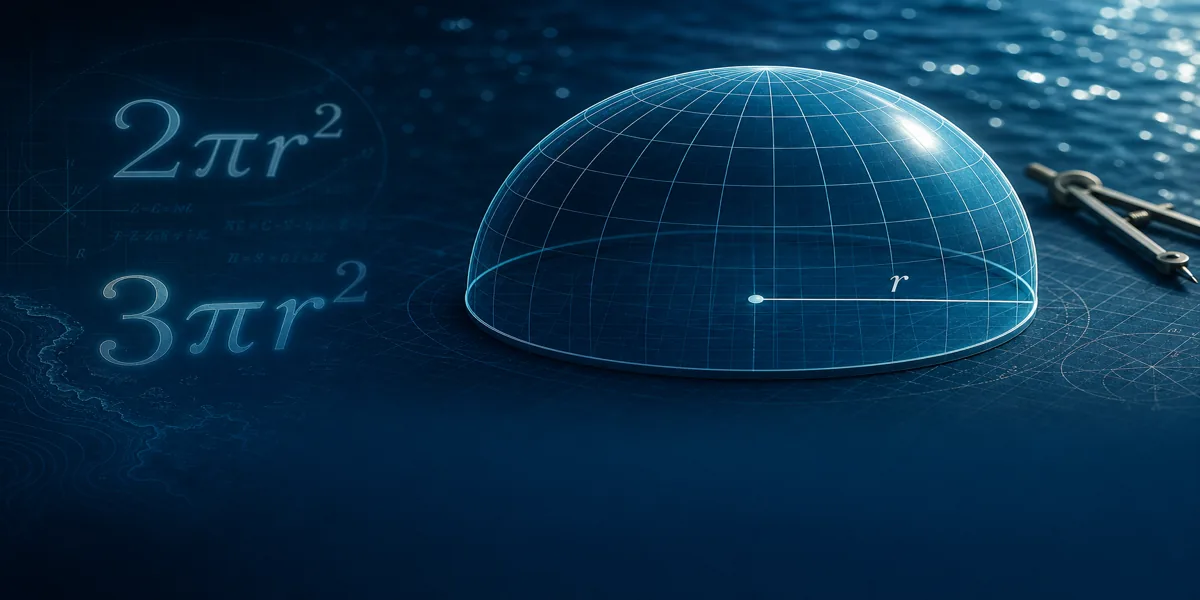
Curved surface area is 2πr². Total surface area is 3πr². Base shows πr² alone so you can match textbook labels.
Volume is (2/3)πr³, useful when a tank or bowl question pairs capacity with coating area.
Surface-to-volume ratio uses total surface area divided by volume. It helps compare scale effects at a introductory level.
If you prefer doing one calculation by hand first, use the manual calculation steps and treat the tool as a verification pass.
Worked numbers under the panel mirror patterns in our hemisphere example set so you can spot-check formatting.
Three moves to your first result.
Enter radius 4. Curved surface area shows about 100.53 square units. Total surface area shows about 150.80.
Change the same scenario to diameter 8. Radius becomes 4 and the surface values stay consistent.
Clear with Reset, then enter total surface area 150.80 to see radius recover near 4. That reverse flow helps when a spec gives area first.
Use the calculator when you need fast, linked hemisphere values with clear labels.
Pair it with written steps on tests, and with example articles when you are learning the pattern.
Hemisphere volume (2/3)πr³ and surface area formulas together: dimensional analysis, surface-to-volume ratio, examples, and how the calculator links both.
Calculate hemisphere surface area from diameter: convert to radius, use CSA and TSA formulas, worked examples, and field measurement accuracy tips.
Compare hemisphere and sphere surface area and volume: 4πr² vs 2πr² and 3πr², key differences, side-by-side examples, and common misconceptions.